



A Plan Choice That Can Wait
Shopify Editions and Shopify plans answer different questions. Spring ’26 announces platform updates, but it is not a plan comparison: it does not set a revenue threshold for Shopify Plus or say that general updates require it. Shopify’s plan features guide advises merchants to compare available features with their own needs.
That distinction matters when new features make an upgrade seem urgent. The decision should rest on what a store needs to operate, not on the volume of announcements. Opti is still under construction, with a password-protected storefront and a newsletter sign-up. The information available gives no reason it needs Plus simply to launch.
This article will compare Shopify plans and costs, clarify what Plus adds, and work through fees on a sample sale. It will also identify operational needs that may justify a closer look at upgrading. Once Opti launches, its actual operating needs can inform whether a different plan is warranted.
Compare Shopify Plans by Need
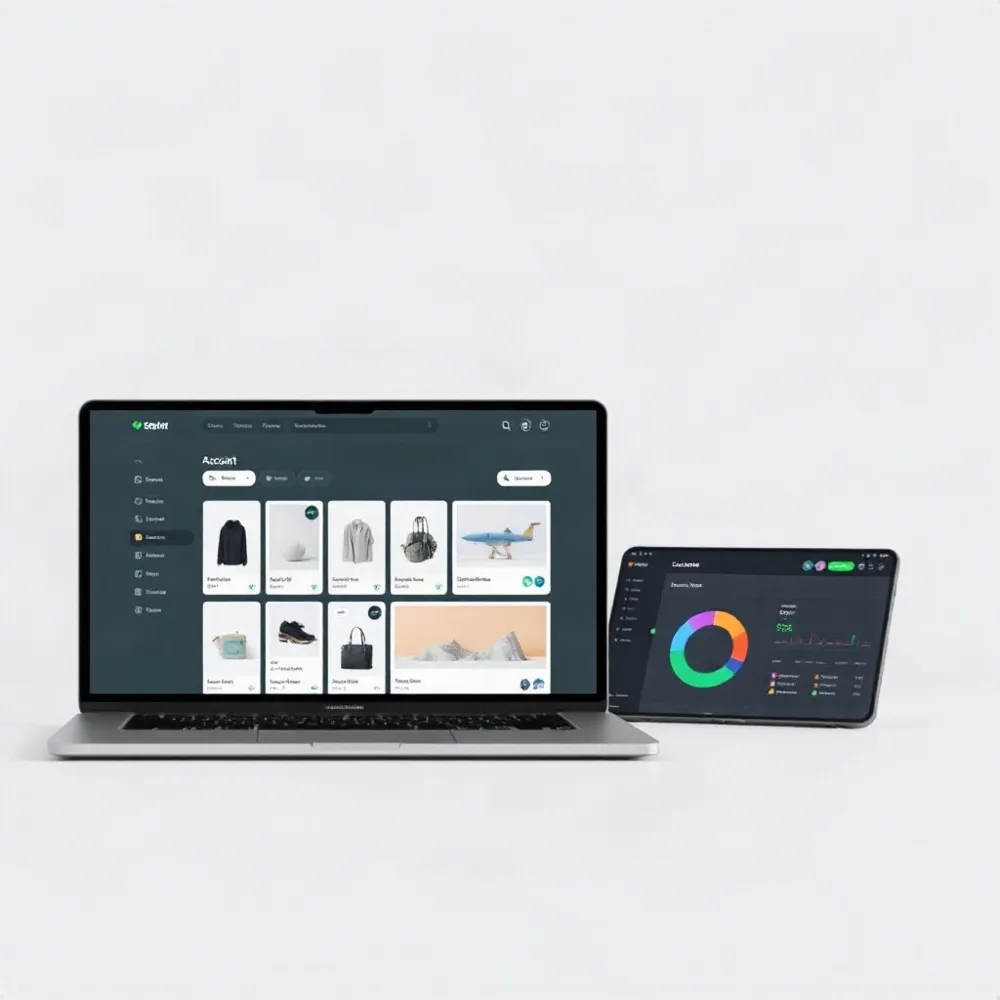
Shopify offers plans for businesses at different stages, and no single plan fits every merchant. Use Shopify’s plan features guide to compare what is currently included, then weigh those features against how you sell and operate.
For a simple online launch, Basic may cover the essentials. Grow adds capacity for a larger team, while Advanced offers more staff accounts, shipping options, and regional customization. Plus is intended for more complex operations, with additions such as customizable checkout, expanded B2B catalogs, priority phone support, and greater POS Pro capacity. Shopify also offers a $5 Starter plan for simpler selling through social channels and links.
The supplied U.S. annual-billing prices are $29 per month for Basic, $79 for Grow, and $299 for Advanced. Plus starts at $2,300 per month. Monthly billing may cost more, and Plus pricing depends on the contract and may vary for complex business structures. Confirm current prices and terms with Shopify before deciding.
The supplied comparison lists staff-account limits of two for Basic, five for Grow, 15 for Advanced, and unlimited for Plus; verify the current limits and terms with Shopify before publishing. Starting online card rates are listed as 2.9% + 30¢, 2.7% + 30¢, 2.5% + 30¢, and 2.25% + 30¢, respectively. Payment rates and availability can vary by region and setup, so check the rates that apply to your store.
Treat these differences as comparison points, not automatic upgrade triggers. For a password-protected store such as opti-9570.myshopify.com, the current task is preparing a launch and collecting newsletter sign-ups; more advanced staff, checkout, or retail capacity matters only if the business develops a practical need for it.
What Editions Does and Does Not Say
Shopify Editions is a recurring showcase of platform updates, not a separate subscription or a complete guide to plan prices and upgrade eligibility. Its Spring ’26 release is useful as a reminder to check the availability label attached to each feature rather than assume that every announcement requires Plus.
Shopify marks several complex retail and payments capabilities as Plus-exclusive: managing retail locations in one country across different legal entities from one store, using different Shopify Payments accounts for multiple entities, and enabling Tap to Pay across multi-entity locations. The release also discusses offline payments for multi-entity retail, but does not explicitly label that capability Plus-exclusive, so it is not enough on its own to justify an upgrade.
Other announced capabilities are not designated Plus-only. These include publishing product variants by channel and market, offering market-specific discounts, and scheduling or A/B-testing rollouts for themes and checkout. The plan guide advises merchants to compare their needs with the features available on each plan, rather than assume one plan suits every business (Shopify plan features).
The release also says company profiles, volume pricing, and up to three B2B catalogs are available in the admin at no extra cost on Basic, Grow, and Advanced. Those features alone do not establish a need for Plus. Shopify Payments availability in the United Arab Emirates is marked Plus-exclusive, but it is not a practical upgrade trigger for a U.S.-based store without UAE operations.
For Opti, the current storefront is password-protected and still under construction, with an “Opening soon” message and newsletter sign-up. None of the cited Spring ’26 announcements indicates that this prelaunch setup requires Plus. Revisit the plan question if the business develops the multi-entity retail or payments structure described in the release.
The Cost and Capabilities of Plus
Shopify Plus is designed for high-volume businesses and operations with added complexity, not as an automatic next step for every growing store. Shopify advises merchants to compare their needs with the features on each plan, since there is no single plan that suits every business. Shopify’s plan-features guide provides a starting point for that comparison.
For U.S. businesses, the listed subscription price is $2,300 per month on a three-year term or $2,500 per month on a one-year term. Complex business structures may incur a variable platform fee, and payment rates and transaction fees depend on location and payment setup. Treat these figures as a starting point, then request a current quote that reflects the store’s actual operations.
Plus adds tools for businesses whose existing plan creates real constraints. These include checkout customization through supported tools and extensions, and Shopify Functions for custom discounts, checkout validation, and order-routing logic. Businesses can also manage B2B and direct-to-consumer sales in one place, use organization settings to oversee multiple stores and staff, access higher API capacity, and receive priority support.
For a business serving different markets, Plus supports up to nine expansion stores. Retail entitlements need closer review: POS Pro availability and location terms depend on the current agreement and, in some cases, use of Shopify Payments. Confirm those conditions rather than assuming every location is included.
The subscription buys access, not a finished operating setup. Checkout changes, B2B catalogs, staff permissions, expansion stores, and integrations still need configuration, and some may require development. Apps and other charges can add to the bill. For opti-9570.myshopify.com, which is still under construction with a password-protected storefront and newsletter signup, those capabilities are future options, not demonstrated launch requirements.
Consider Plus when a specific limit or workaround is costing the business time or money, or when a needed wholesale, integration, or checkout capability is unavailable on its current plan. Compare likely fee savings and business gains with the subscription, implementation, and ongoing costs. Revenue alone does not establish a reason to upgrade.
Calculate Fees on a Sample Sale

A sample order makes plan rates easier to compare. On a $100 U.S. online sale paid through Shopify Payments, the supplied card rates work out to about $3.20 on Basic, $3.00 on Grow, $2.80 on Advanced, and $2.55 on Plus. That leaves $96.80, $97.00, $97.20, and $97.45, respectively, before other costs. Check Shopify’s plan features and current pricing details against the rates that apply to your account.
These estimates cover card processing only. They do not include the plan’s monthly subscription, taxes, refunds, or other charges, and actual rates can vary by plan, payment type, and current pricing. Shopify Payments is also different from using an external payment provider: the provider charges its own fees, and Shopify may add a plan-dependent transaction fee. Because the amount depends on the setup, it should not be added to this sample without checking your terms.
The small difference between these sample processing totals is a comparison tool, not proof that a higher plan will cost less overall. Weigh any fee change against the subscription price and the capabilities the business would actually use. For Opti, which is still under construction with a password-protected storefront and newsletter signup, there is not yet a sales pattern to use in that calculation. Once sales begin, actual payment statements can help make the comparison more relevant.
Look for Operational Reasons to Upgrade
A useful upgrade review starts with friction in the work, not a sales figure. Shopify advises merchants to compare their needs with the features on each plan, since no single plan suits every business. Its plan-features guide can help frame that comparison. For Opti, still preparing a password-protected storefront and newsletter sign-up, the practical task is to identify needs as they arise after launch.
Limits that create extra work
An Advanced plan may become restrictive if a team needs more than its 15 staff accounts, or if wholesale operations require more than three B2B catalogs or specific company-level pricing and payment arrangements. Advanced already includes core B2B tools, so starting to sell wholesale is not, by itself, proof that Plus is necessary. Check which catalog, payment, or assignment requirements are missing before weighing the added plan cost.
Checkout needs can also be a concrete signal. If the buying process requires custom rules or a tailored flow that the current plan cannot support, assess whether Plus’s checkout controls address that requirement and what implementation work they involve. Likewise, Shopify Markets can support international selling from one store. A new country does not automatically call for a separate storefront; consider expansion stores when distinct catalogs, languages, policies, or business operations make one store difficult to manage.
Systems, campaigns, and retail
Repeated order-sync failures, delayed inventory updates, or unreliable connections to business systems warrant an API and integration review. These symptoms may point to rate limits, but they can also arise from configuration or data-flow problems. Confirm the bottleneck first, then determine whether Plus capacity would address it; changing plans alone does not repair an integration.
Frequent launches that require staff to change prices, product visibility, or themes by hand may justify assessing scheduled campaign tools. High-traffic sales events can prompt a review of checkout capacity and bot protection, while expanding physical retail calls for a close look at location needs and POS terms. These are reasons to investigate specific capabilities, not guarantees that upgrading will solve every operational issue.
For each potential trigger, estimate the cost of the current workaround, the savings or sales benefit a new feature could realistically deliver, and the resources needed to configure and maintain it. A growing store may have no urgent operational constraint, while a smaller business may face a specific one. The decision should turn on demonstrated friction and features the team expects to use, not the store’s age, traffic alone, or a quoted revenue threshold.
Build the Business Case Before Switching
A sound business case compares Plus’s added subscription cost and any variable platform fee with savings the business can reasonably expect. Count payment-fee differences using the store’s actual payment setup, then include app or labor costs only if the upgrade would truly remove them. Add cautious estimates for checkout changes or automation, and leave out benefits that depend on work the team has not planned or budgeted.
Treat published customer outcomes and broad marketing claims as examples, not forecasts for your store. A checkout extension, for instance, may require design, development, testing, and ongoing maintenance before it delivers value. Shopify’s plan-features guide advises merchants to compare their own needs with the features available on each plan.
Review the contract term and all applicable charges, including any variable platform fee, payment processing, apps, and development. The quoted subscription price alone may not show the full cost of operating the store.
For an existing Shopify store, document the limits or workarounds prompting the change, then audit apps and integrations for compatibility. Map the setup work for each Plus capability you plan to use, such as checkout changes or expansion stores, and test those changes before launch. Changing plans does not build a custom checkout or configure additional stores automatically, so schedule implementation for a low-risk period and verify each part of the setup.
Start with the Store You Have

Opti is still under construction, with a password-protected storefront, an “Opening soon” message, and a newsletter sign-up form. Nothing in the supplied plan information suggests that this prelaunch setup requires Shopify Plus. The immediate work is to prepare the storefront, collect interest, and choose a plan that fits the features the business needs now.
Shopify advises merchants to compare their needs with the features available across its plans, rather than assume one plan suits every business. Its plan-features guide is a useful place to check current options. Revisit Plus if real operating needs expose a gap, such as limits affecting the team, payment setup, integrations, wholesale workflows, or retail locations.
A feature announcement is not, by itself, a reason to change plans. Editions updates may apply to existing stores, but availability varies by feature, so check its specific plan requirements before making a decision. Start with the store you have, then upgrade when a measured business problem and a credible return justify the added cost, not simply because the business is new, growing, or interested in an announcement.
Upgrade When the Need Is Clear
Shopify Plus offers advanced capabilities, but access to them is not the same as needing them. A sound decision starts with a specific problem, such as checkout limits, complex B2B requirements, or store operations that current tools cannot handle. Shopify recommends comparing business needs with the features available across its plans.
Before changing plans, compare your current setup with the alternatives, calculate the full cost, and identify which savings or improvements an upgrade could reasonably deliver. If those needs justify a closer look, request a tailored Plus quote and review its terms alongside implementation costs.
For now, Opti’s password-protected storefront, opening-soon message, and newsletter form describe a prelaunch store, not a demonstrated need for enterprise tools. Reassess after launch as sales, systems, and day-to-day operations reveal which capabilities are actually missing.